


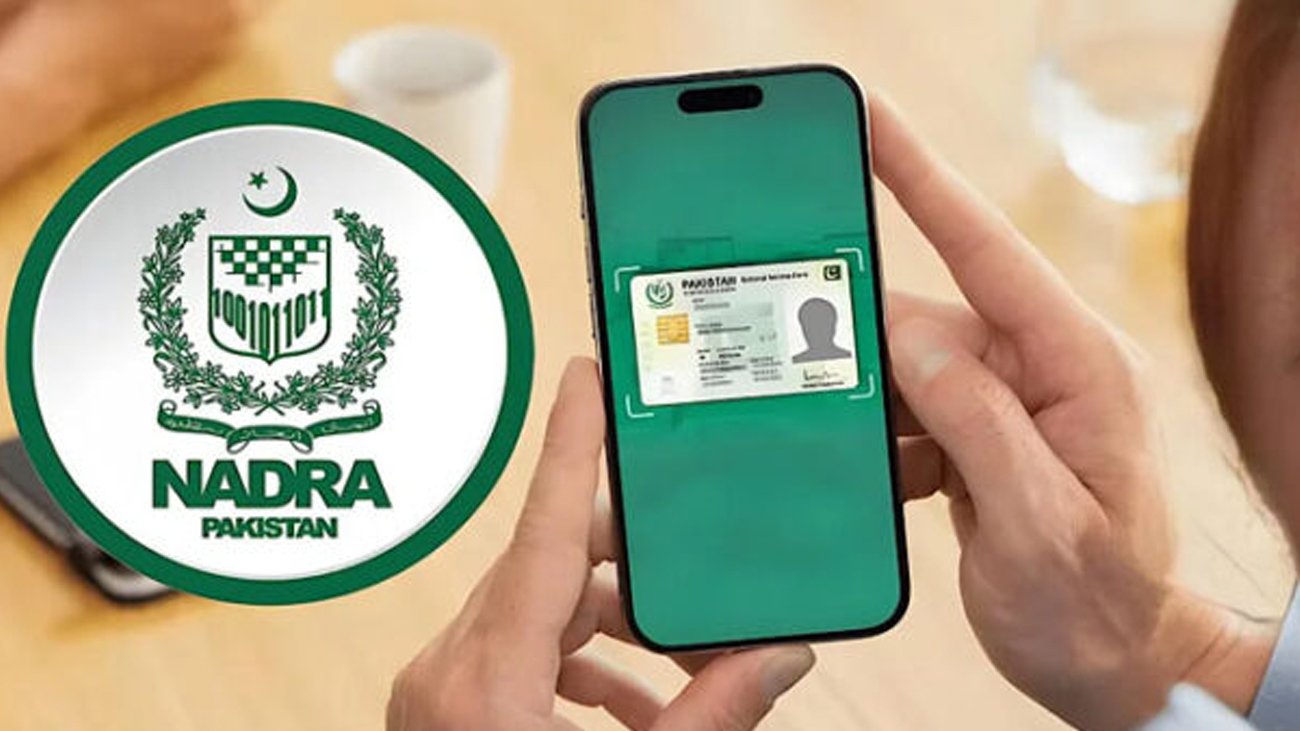
NADRA has made CNIC renewal easier through the Pak ID app, allowing citizens to apply online from home, saving time and avoiding office visits.
Webdesk-Sardar Muneeb
The National Database and Registration Authority (NADRA) has made the CNIC renewal process easier for citizens. People can now renew their Computerized National Identity Cards (CNICs) from home using a smartphone.
According to NADRA, citizens no longer need to visit offices or wait in long queues for CNIC renewal. Applications can be submitted online through the Pak ID app.
To renew a CNIC online, open the Pak ID app and select the “Identity Documents” option from the home screen. Then click on the “Identity Card” icon and select the applicant.
After selecting the applicant, choose the “Renew” option. Enter the required information according to the instructions provided in the app, upload the necessary documents, and complete the application process.
NADRA officials said the digital facility aims to save citizens’ time while making the registration process faster, more transparent, and convenient.


2 Comments
The graphics on this site are amazing and the slots are actually fair. I had a great run last night. You guys should really try dino69slot if you love the thrill.
Honestly the win rates here are impressive. I had a lucky streak yesterday that I cannot believe. If you want a fair game visit idimbagacor